
Sprint.
The pattern
Speed and incline
A sample Sprint plan. Faster phases stay flat.
Choose your time
10–90 min. Add five minutes at a time.
Choose manageable targets.
Build this routineOn the watch
UP/DOWN changes values. START confirms. START on the summary begins automatic phases.
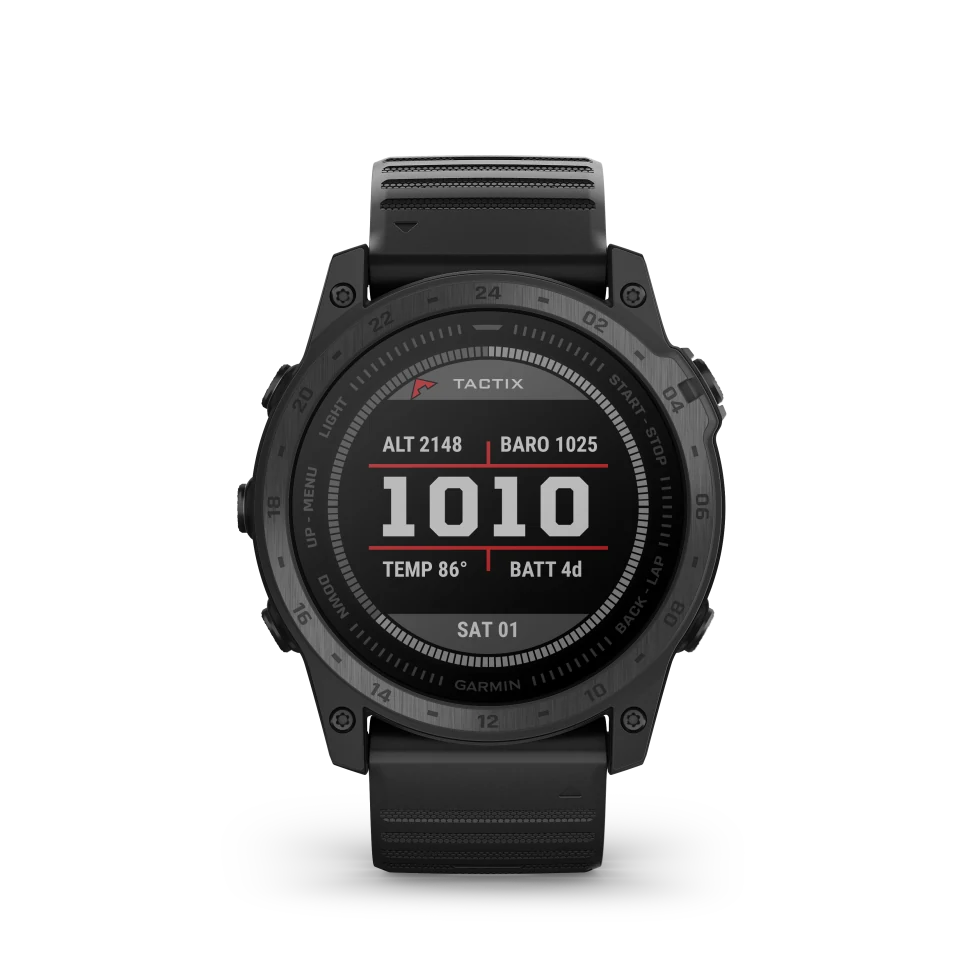
- START/STOPConfirm, start or pause.
- UP/MENUMove up. Hold to edit targets.
- DOWNMove down or change the data page.
- BACK/LAPGo back. Add a Walk during recovery.
1Choose Sprint
Choose, then START.
2Duration
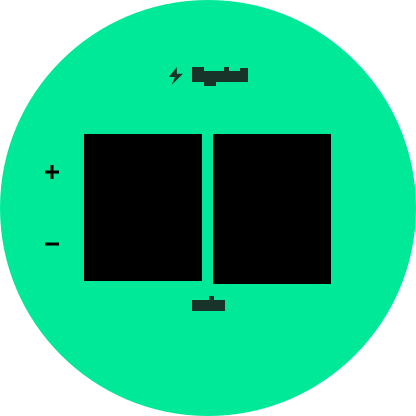
10–90 min, in 5 min steps.
3Level
1–25. Use your suggested starting level.
4Environment
Choose Treadmill or Outdoors.
5Review
START begins the session.
6Workout
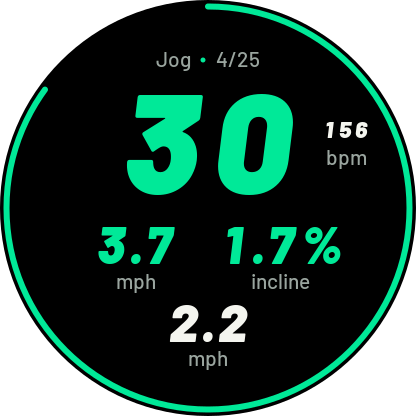
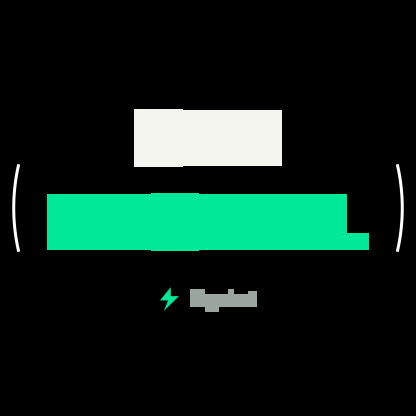
Color is your planned speed. White is your watch’s speed.
During and after the session
During recovery, BACK/LAP queues a separate 60s Walk after this phase; the current countdown stays unchanged.
Data
UP/DOWN
-- means unavailable.
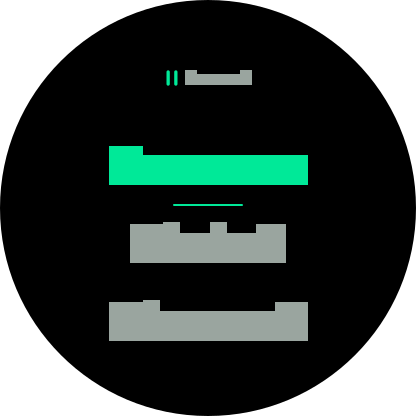
Pause
START/STOP · UP/DOWN · START
Choose Resume, Finish or Discard. Discard asks again.
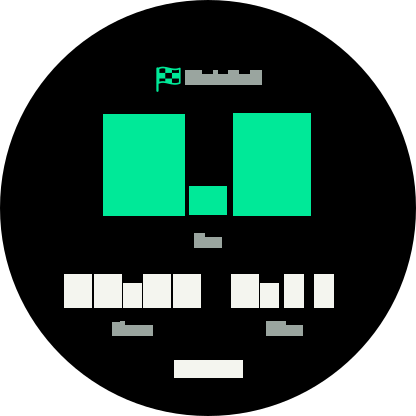
Save
START
Press START to save, then START on Done.
Make it yours
Open burnd on your watch, exit to the watch face, then reopen Connect IQ settings.
Your profile
Garmin fills available values. Choose usual activity yourself.
- Age
- Height · cm
- Weight · kg
- Sex
- Resting heart rate · bpm
- Usual activity
VO₂max first; otherwise use all six fields, ages 20–70.
Your targets
- Speed
- Easy and maximum, km/h.
- Incline
- Level 25 maximum; 0 stays flat.
- Auto
- Level 25 reaches your treadmill maximums.
- Edit
- Each field overrides separately. Clear for Auto.
Next session
- Apply
- Save and sync. Active and paused workouts stay fixed.
- Limits
- Speed and incline peak in separate phases.
- Upgrade
- Reset this program to restore Auto.
Research
- Running intervals of 30 seconds
Studied runs near maximum effort with three minutes of recovery.
- How burnd builds your plan
burnd uses controlled fast phases. Our timings and targets were not tested in this study.